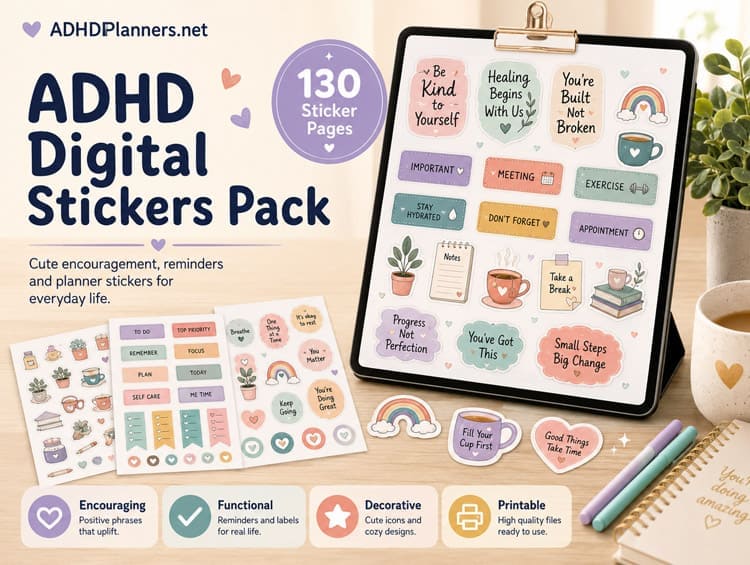
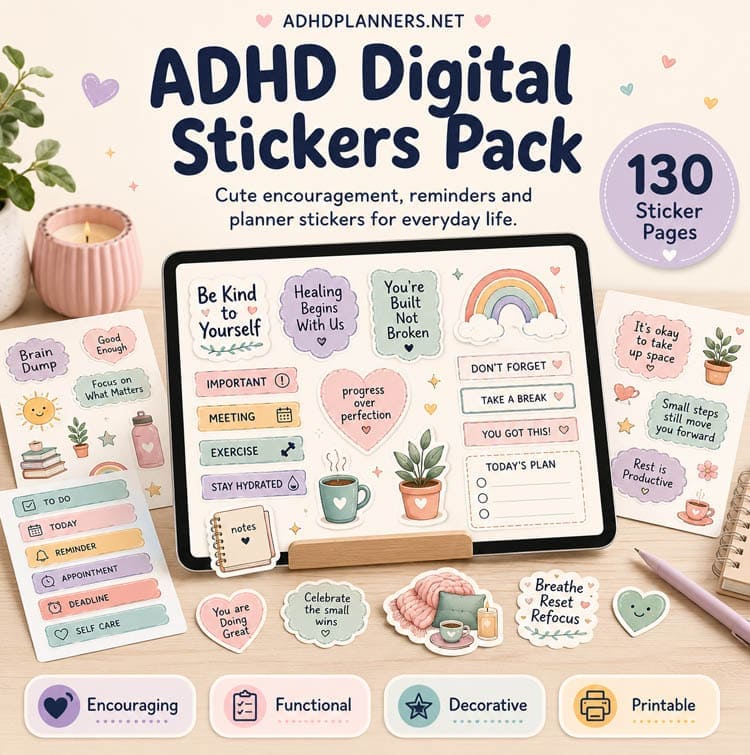
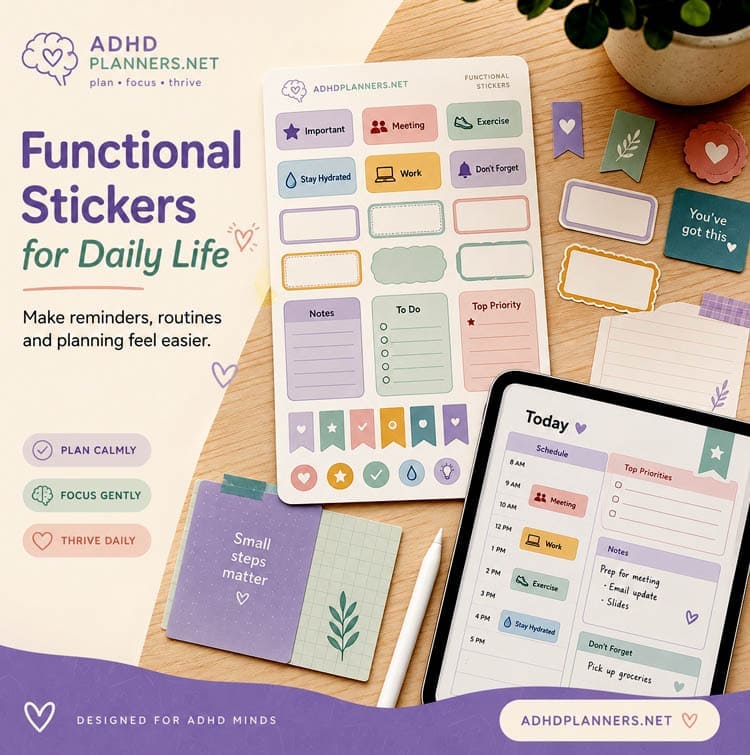
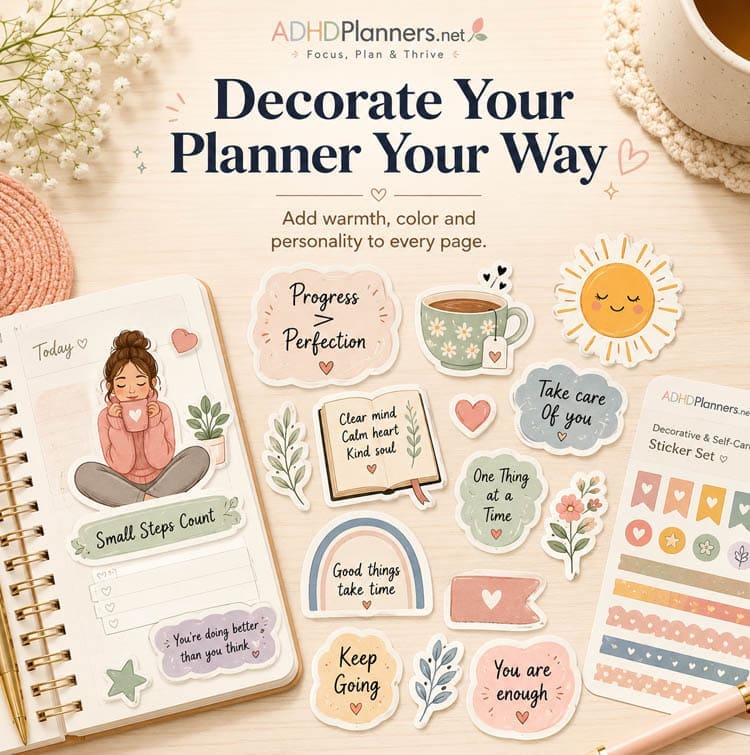
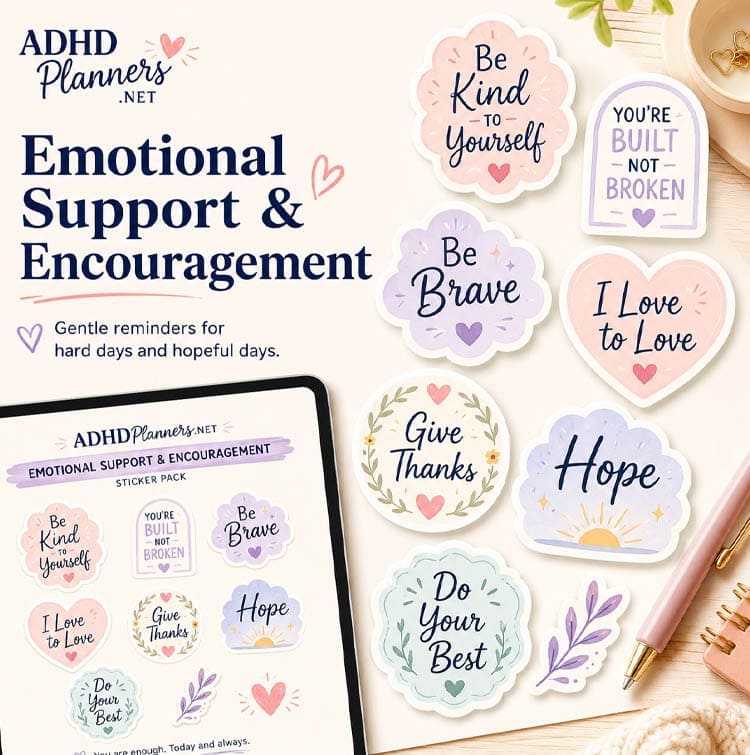
Stop the visual overwhelm. Organize your digital planner with these ADHD-friendly icons and categories, specifically designed to help your brain process information faster.
"I used to buy planner after planner and abandon them by week three because they felt like boring, rigid work. These stickers make my iPad planner look so colorful and engaging that my brain actually craves opening it every morning. It feels like a gamified treat instead of a chore."
"Task paralysis is real. When I see a massive list of words, my brain just shuts down completely. Using the color-coded category stickers lets me group tasks visually at a glance. I don't have to read everything to know what's urgent. It bypasses that initial wall of executive dysfunction."
"It makes digital planning feel like a physical craft project rather than an administrative chore. I get to customize and drag stickers around on GoodNotes, which keeps my hands busy and my ADHD brain stimulated while I’m sorting out my busy work week."
"As someone who is highly visual but easily distracted, I can finally find what I'm looking for at a single glance thanks to the custom icons. No more scanning columns of boring handwriting. The little icon prompts trigger instant recognition of what I need to do next."
"These are so cute and functional! I actually feel organized now because the visual reward of placing a colorful 'Done' or 'Focus' sticker gives my brain that tiny splash of dopamine it needs to stay motivated for the next task. It's ridiculous how well this simple trick works."
"The perfect addition to my iPad planning workflow. Being able to just drag and drop these sticker PNGs to prioritize my daily timeline means I don't get stuck in analysis paralysis trying to format a perfect layout. I just drag, drop, and get to work."
"My iPad planner has never looked this organized. A total game changer for my sensory sensitivity. The colors in this pack are perfectly calibrated—they are engaging enough to keep my interest but calming enough that they don't trigger visual sensory overload. It's a very fine line, and this pack nails it."
"I use these specifically to separate my 'must-do' tasks from my 'low energy' tasks. Having distinct visual markers stops me from trying to do 50 things at once and crashing. It has dramatically reduced my weekly burnout cycles because I can see my boundaries clearly."
Digital Product Only: No physical item will be shipped.
Want to Personalize: You'll need a free Canva account.
All Sales Final: Due to the digital nature, refunds aren't available.
1 x PDF with instructions and links to your files.
Use digitally or print as many pages as you need for your personal planning.
Returns, refunds, and exchanges cannot be accepted.
You can import these stickers into apps like GoodNotes, Notability, or any digital planning app that supports PNG/JPG image files.
Yes! Because they are transparent PNGs, they work seamlessly with any digital planner.
You will need a tablet and a digital planning app to use these digital stickers effectively.